
Work down the list; the cheapest checks come first. Most cases are solved by one of the first four.
1. Are you testing as a shop manager?
If Skip redirect for shop managers is ticked under Global settings, shop managers and administrators stay on WooCommerce’s “Order received” page on purpose. Test in a private window as a guest, or untick the setting.
2. Is the rule enabled, with conditions and a published page?
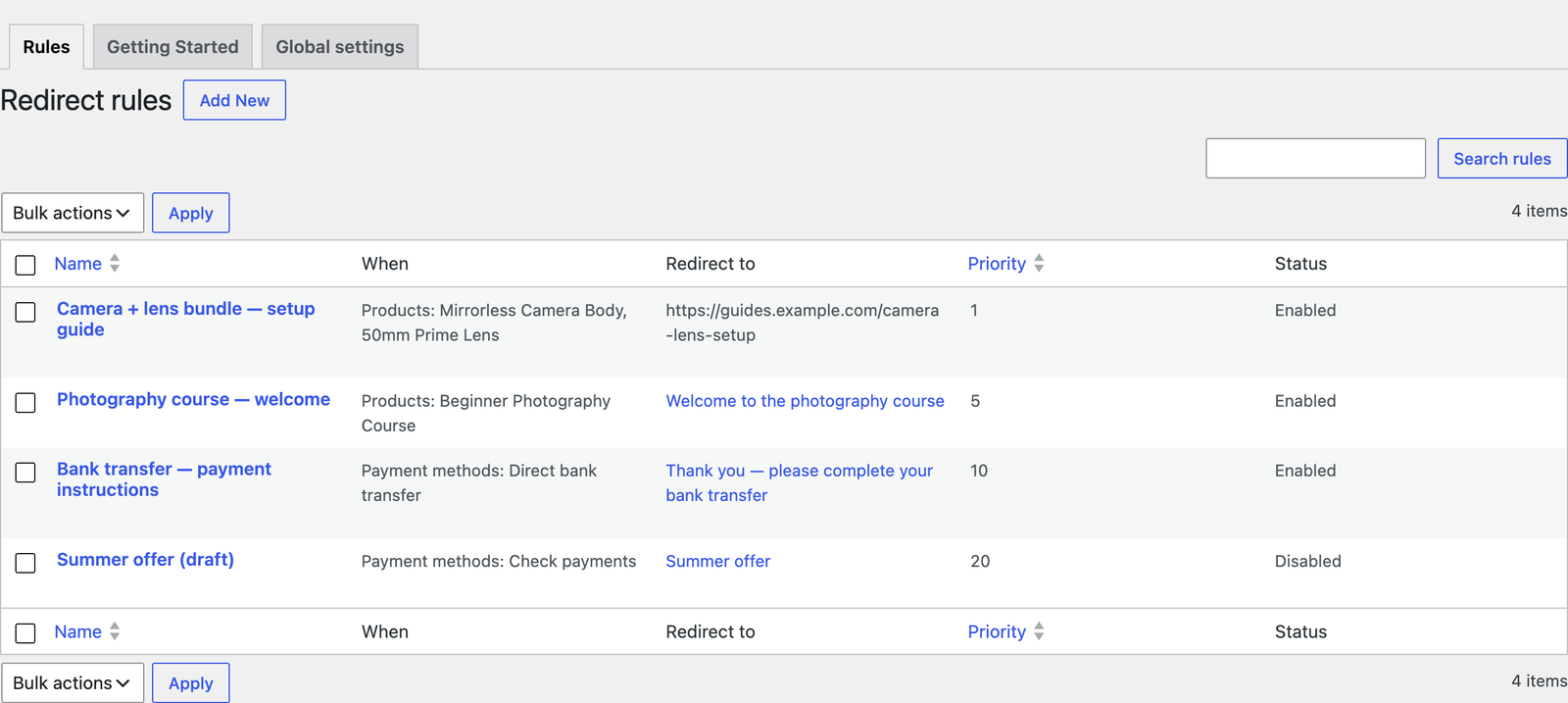
Open WooCommerce → Redirect Thank You → Rules and read the rule’s row:
| The row says | Meaning | Fix |
|---|---|---|
| Status: Disabled | The rule is ignored. | Hover it and click Enable. Duplicated rules start disabled. |
| When: “No conditions — never fires” | An empty rule matches nothing. | Add a product, category or payment method, or use the global page. |
| Redirect to: “(not published — skipped)” | The page is a draft, private or in the bin. | Publish the page. |
| Redirect to: “No page selected” | The rule has nowhere to send customers. | Edit the rule and choose a page. |
3. Does the order really match?
- Products: variations are not listed separately; the rule must list the variable product itself, and then every variation matches.
- Payment methods: free orders have no payment method, so they never match a payment method rule.
- Match: with Every selected product chosen, the order must contain all the listed products. One of them is not enough.
- Several conditions: products and payment methods must both match.
- Applies to: a rule set to Failed or cancelled orders never fires for a paid order, and vice versa.
4. Did another rule win?
When several rules match, the lowest Priority number wins. Sort the list by Priority and look for a broader rule above yours — a category or payment method rule with a smaller number. Give the specific rule a lower number.
5. Is it an order that is never redirected?
Orders created in the admin, subscription renewals and refunds are never redirected. The full list is in How redirect rules work.
6. Did the payment finish?
With card payments that open the bank’s check (3-D Secure) or the payment provider’s own page, the redirect happens when the customer comes back to your store’s “Order received” page. If the customer closed the window before returning, there is nothing to redirect.
⚠ Warning
If they come back with a failed payment, only Failed or cancelled orders rules and the Failed orders setting apply — and many declined cards keep the customer on the checkout page with an error, which is never redirected.
7. Custom URL to another site: is the address complete?
Custom URLs must start with https:// or http://; your browser will not accept an address without it. If an address is still rejected — another scheme, such as ftp:// — the editor shows “Enter a full URL starting with https:// (or http://). The rule was not saved.”
The customer was redirected, but the page shows no order
- The page has no Order Details block. The rule editor warns: “This page does not show the order yet.” Add the Order Details block or
[rtyp_order_details]. If you built the page with a page builder and the shortcode is inside it, the warning can be ignored. - A cache, CDN or security plugin removed
orderandkeyfrom the address. The order is only shown when both are present. Allow those two query parameters through — Cloudflare, WP Rocket, LiteSpeed and similar let you exclude them from cache and query stripping. - The customer is asked to log in or confirm their email. That is WooCommerce’s own protection: orders placed from a customer account need that customer to be logged in, and guest orders older than a few minutes ask for the billing email unless it is the same browser session.
- You opened the link as a different logged-in user. Only the customer and shop managers can see an order placed from an account.

Still stuck? Turn on debug logging
Add this to a small code snippets plugin or your theme’s functions.php:
add_filter( 'rtyp_logging_enabled', '__return_true' );Place a test order, then open WooCommerce → Status → Logs and choose the redirect-thank-you-page log. Each redirected order gets a “Redirect” line with the order, the rule and the address. Rules skipped because their page is not published are logged too.
✓ Note
If your test order has no line at all, the plugin decided not to redirect it — go back through the checks above. Remove the filter from your code afterwards.