
The THEN step of a rule: what the customer is charged when it matches.
The four cost types
| Type | Charges | Good for |
|---|---|---|
| Flat | One amount for the order. | Standard delivery, and free shipping (amount 0). |
| Per item | Amount × number of items. | Small parcels where cost scales with count. |
| Per weight | Amount × total cart weight. | Couriers billing by weight. |
| Percent | A percentage of the cart subtotal. | Insured or high-value goods. |
⚠ Warning
Per weight uses your store’s weight unit from WooCommerce → Settings → Products. Products without a weight count as zero, so a cart of unweighted products costs nothing to ship — worth checking before you go live with it.
Tiered extras
Amounts added on top of the base cost, based on a range. Tick Add tiered extras in step 3.
Each tier has a metric, a from-to range, and an amount:
- Item quantity — “£3 more for carts of 5 to 10 items”
- Cart weight — “£3 more between 5 kg and 10 kg”
- Cart subtotal — a classic table rate
Up to five tiers per rule. They add to the base cost rather than replacing it, so a £5 flat rate with a £3 tier charges £8, not £3.
Two behaviours to design around:
⚠ Warning
Ranges include both ends, and every matching tier adds. Two bands sharing a boundary both charge a cart sitting on it. Write0–49.99,50–149.99,150+ rather than0–50,50–150,150+. Leave the to box blank for an open-ended top band.
✓ Note
A per-unit tier multiplies by the whole metric, not by the amount above the band’s start. There is no “after the first N” — a per-unit tier of £1 starting at 5 items charges £8 on an 8-item cart, not £3.
Tip
Tiers are the right tool when the shape of the price changes across bands. If you only need two different prices, two rules with conditions are usually easier to read six months later.
Free-shipping threshold
Any rule can become free above an amount: tick Free when cart total ≥ in step 3 and set the figure.
This is simpler than the two-rule approach for most stores. Use two rules instead only when you want the free rate to carry a different label at checkout — “Free shipping” reads better than “Standard delivery — £0.00”.
Pair it with the free-shipping progress bar so shoppers can see how close they are.
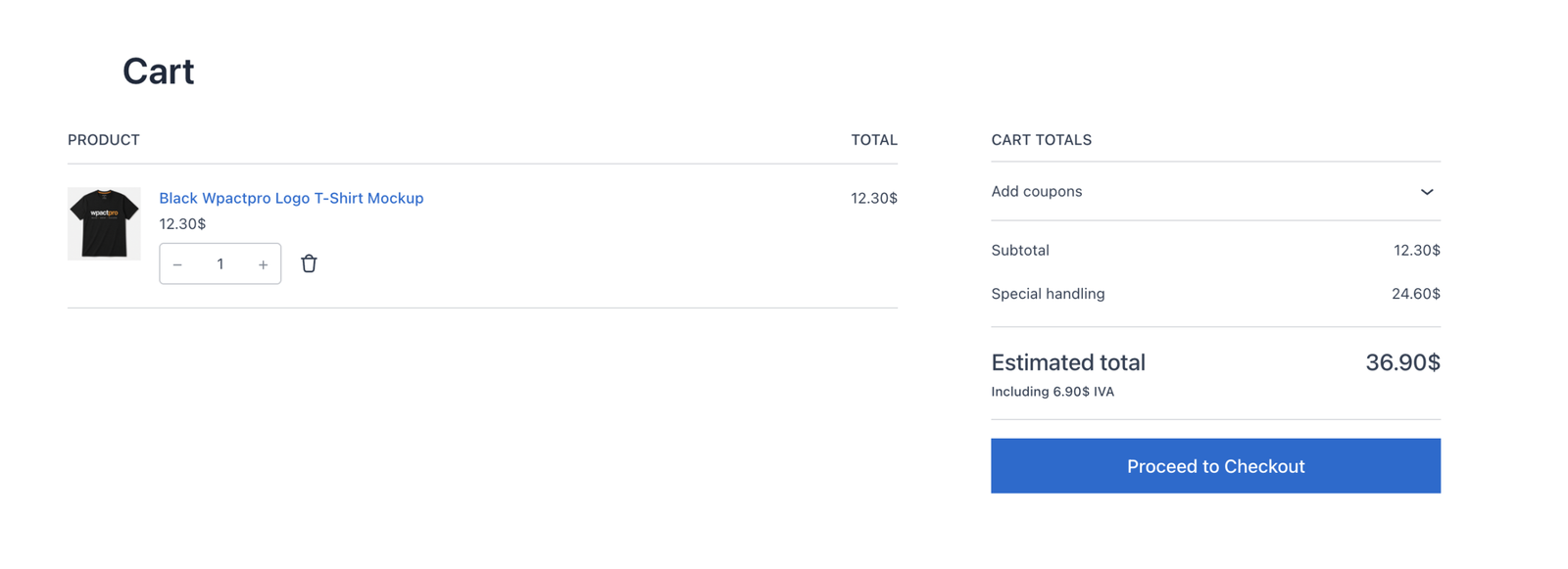
What the customer sees
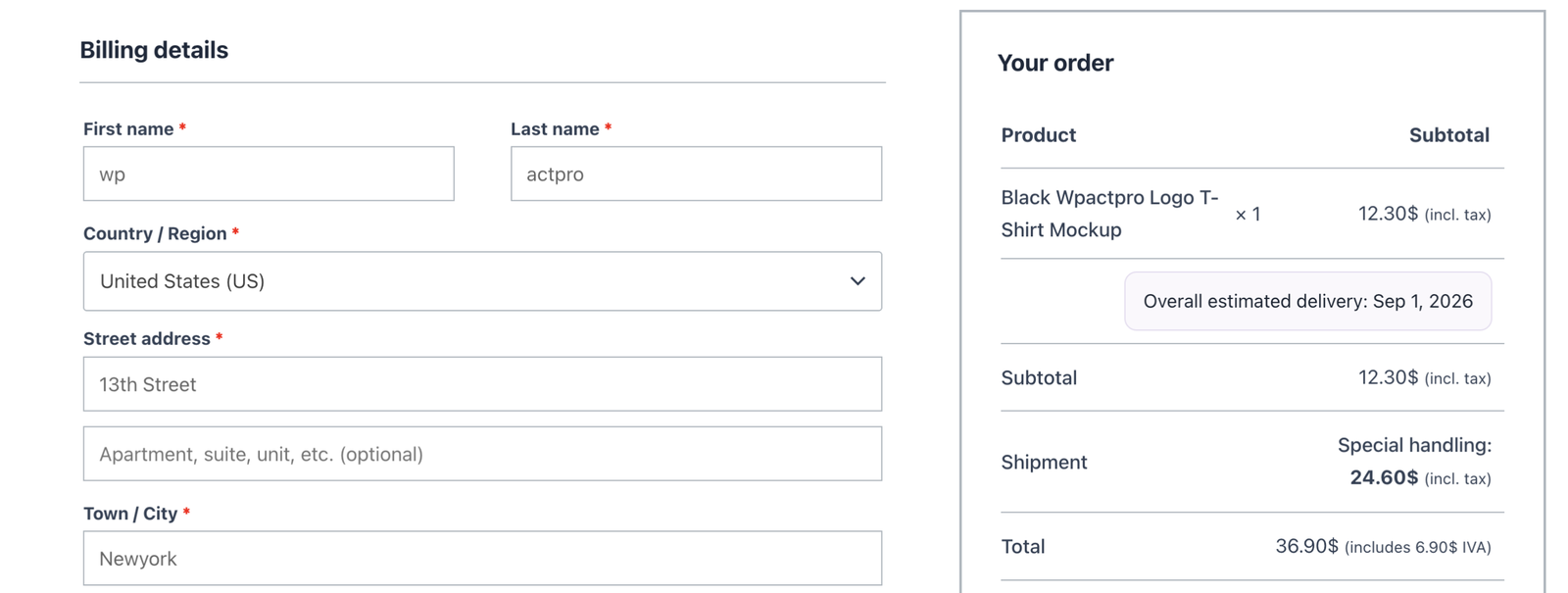
The SHOW AS step controls the label and an optional description tooltip.
Tip
Write labels that explain the price. “Special handling” answers a question that “Shipping 3” invites.